Add-on · works with every plan
QRSVP Chat Button
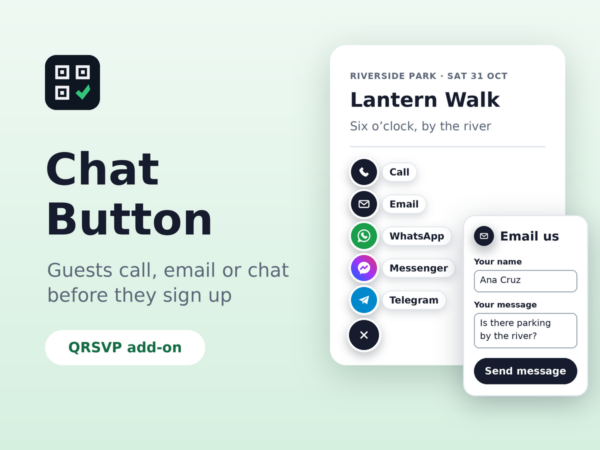
Let guests ask before they sign up — by phone, email, WhatsApp, Messenger or Telegram — from one button on your event page.








Every event theme, included
The premium plugin for QRSVP
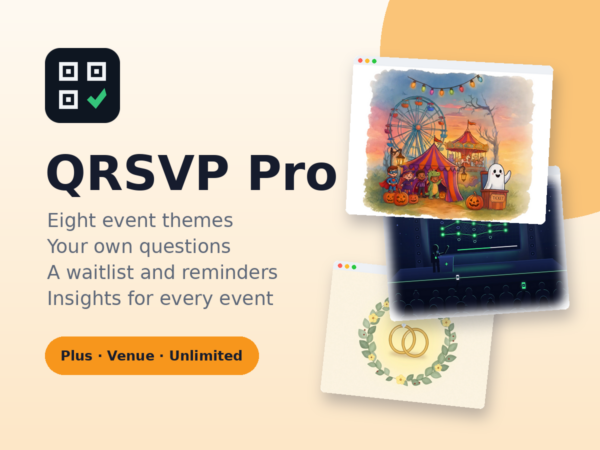
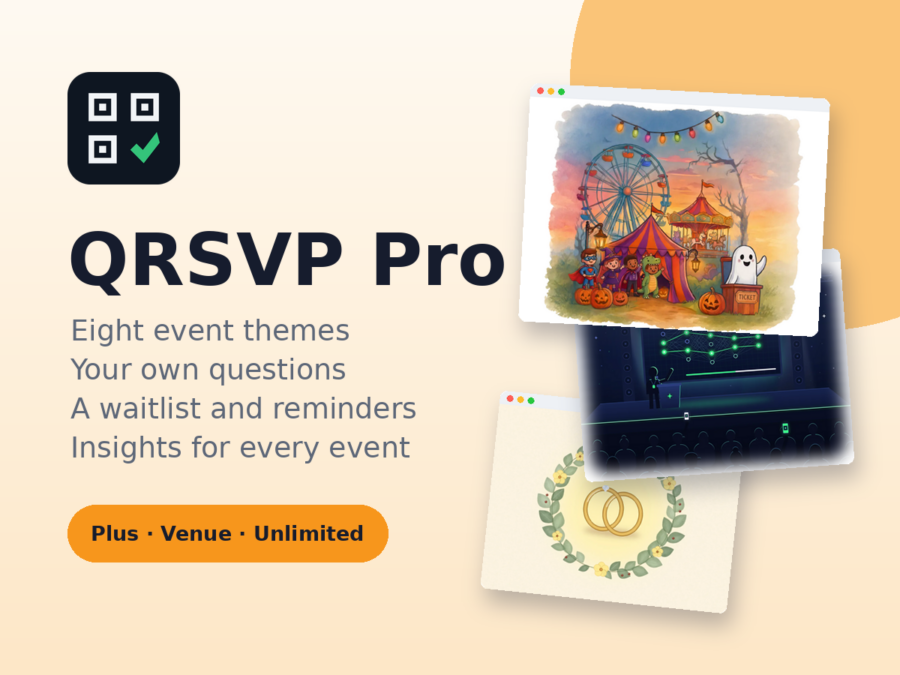
Eight event themes, your own questions on the form, a waitlist when an event is full, reminder emails with the tickets, and Insights, to see how each event is going. Works on top of the free QRSVP plugin.
Compare the plans
The free QRSVP plugin runs any number of events, with unlimited guests. QRSVP Pro adds eight event themes, your own questions on the form, a waitlist when an event is full, reminder emails with the tickets, and Insights, to see how each event is going. Venue and Unlimited add the Payments screen — what each helper took — and an events list, for sites with many events.
| Plan | Free $0 forever Download free | Plus $7.99 a month $79 a year Choose Plus Selected | Venue $14.99 a month $149 a year Choose Venue Selected | Unlimited $29.99 a month $299 a year Choose Unlimited Selected |
|---|---|---|---|---|
| Events, guests and registrations | Unlimited | Unlimited | Unlimited | Unlimited |
| Event page, QR tickets, check-in page | ||||
| Pay at the door, payment history, team roles, exports | ||||
| Event themes | Neutral | All eight | All eight | All eight |
| Your own questions on the form | — | |||
| A waitlist when an event is full | — | |||
| Reminder emails with the tickets | — | |||
| Insights: how each event is going | — | |||
| Payments: what each helper took | — | — | ||
| An events list for your site | — | — | ||
| Sites per licence | Any | 1 | 5 | Unlimited |
| Support | Forum | From our team | Priority | Priority |
Every plan has unlimited guests. Paid plans renew automatically; cancel any time from your account.
How it works
Pay monthly, or pay yearly and save 17%. Every plan has unlimited guests.
It arrives by email as soon as the payment is confirmed.
Install QRSVP Pro beside the free QRSVP plugin, then paste the key under QRSVP → Licence.
The check-in page, the tickets, the guest lists, every payment and your events keep working — with the themes, questions, waitlists and reminders they have. Setting these up for another event, and the Insights and Payments screens, wait for a renewal.
Questions
Still deciding? Read the Refund Policy, or write to [email protected].
After you pay, your licence key arrives by email. Paste it under QRSVP → Licence on the site that runs your events. You can move it to another site at any time.
Your subscription stays active until the end of the period you’ve paid for. After that, the events you already run keep working and every guest and payment is kept, with the themes, questions, waitlists and reminders they have — you just can’t set these up for another event, or open the Insights and Payments screens, until you renew.
Yes: cancel your subscription and buy the new plan. Plan changes are not prorated, and the new plan’s first payment is covered by the 30-day money-back guarantee.
Yes. Ask within 30 days of your first payment for a plan and you get a full refund. Renewal payments are not refunded.
WordPress with Elementor (the free version is enough), the free QRSVP plugin, and email that reaches people: QRSVP sends through WordPress, so any SMTP plugin works.
Add-on · works with every plan
Let guests ask before they sign up — by phone, email, WhatsApp, Messenger or Telegram — from one button on your event page.
Add-on · works with every plan
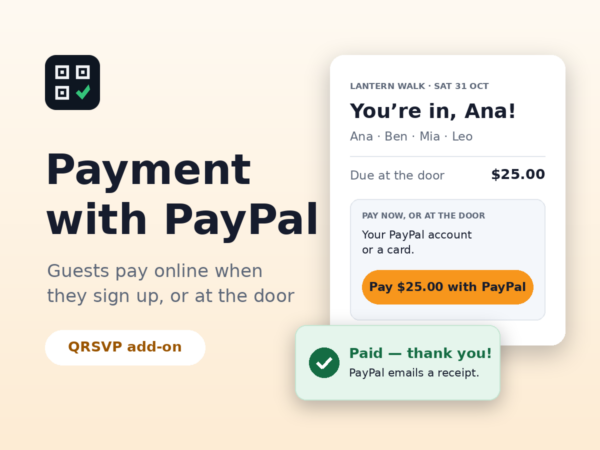
Let guests pay for their tickets online with PayPal — right after signing up, or later from their booking — or at the door, as before.
Add-on · works with every plan
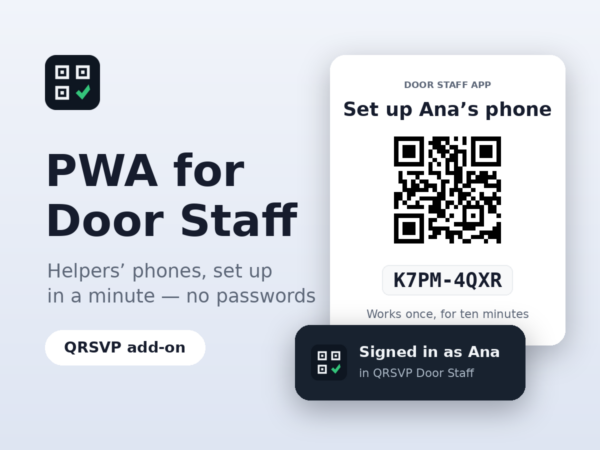
Set up your helpers’ phones for the door in a minute: show a QR code, and their phone opens your check-in page signed in — no password typed at the door.
Add-on · works with every plan
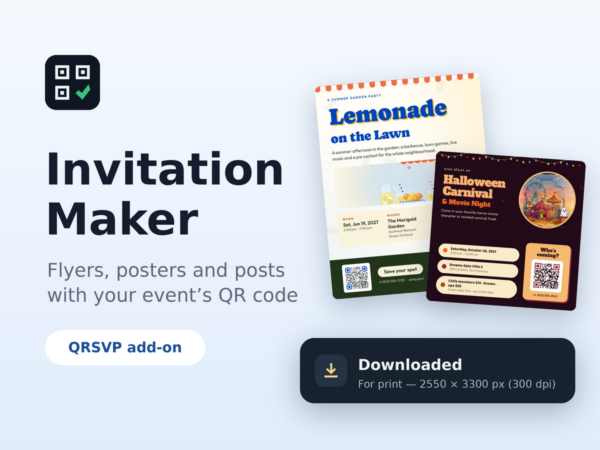
Make flyers, posters, cards and social posts for your event in a few clicks, in its own look and with its QR code, then download them or print them.
Add-on · works with every plan
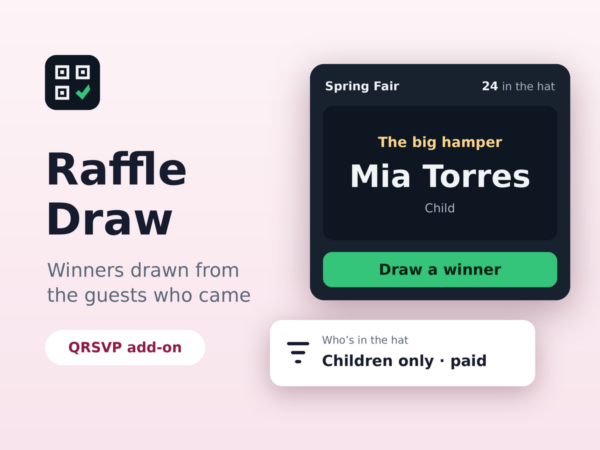
Draw raffle winners at your event from the guests who are really there — everyone checked in, or only children, adults, guests who paid or an age range — on a laptop, a phone or a big screen.
Add-on · works with every plan
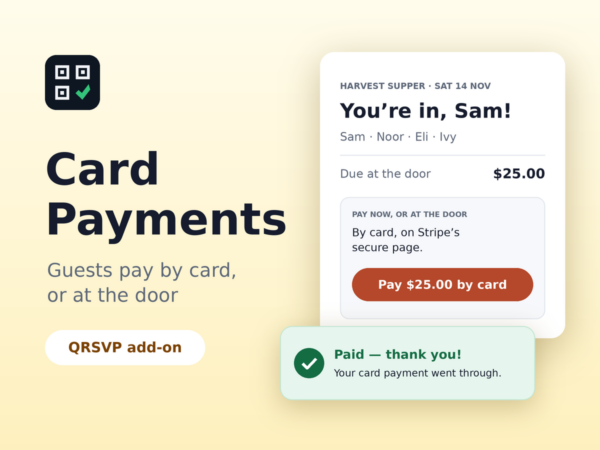
Let guests pay for their tickets online by card — right after signing up, or later from their booking — on Stripe’s secure payment page, or at the door, as before.
Add-on · works with every plan
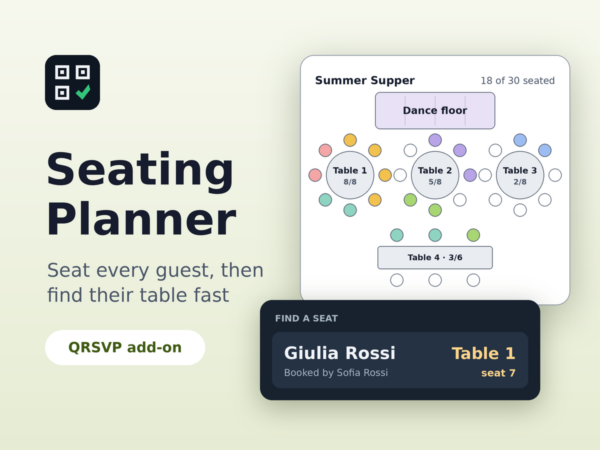
Seat your guests on a floor plan — drag a guest, or a whole group, to a table or a seat — and find anyone’s table at the door.
Add-on · works with every plan
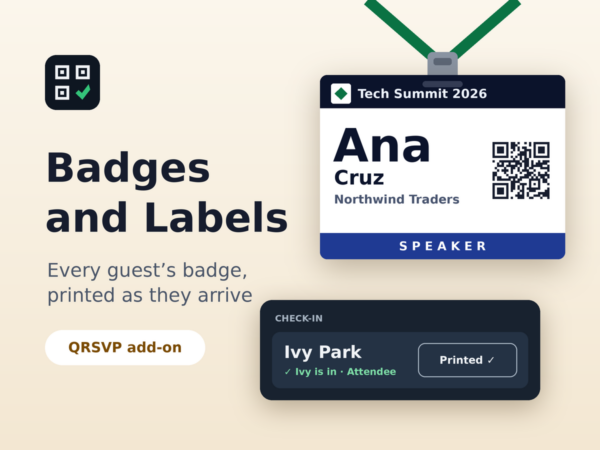
Print name badges, stickers and table cards from your guest list — each guest’s name, their ticket type and a QR code if you like — and print each badge as guests check in.
Add-on · works with every plan
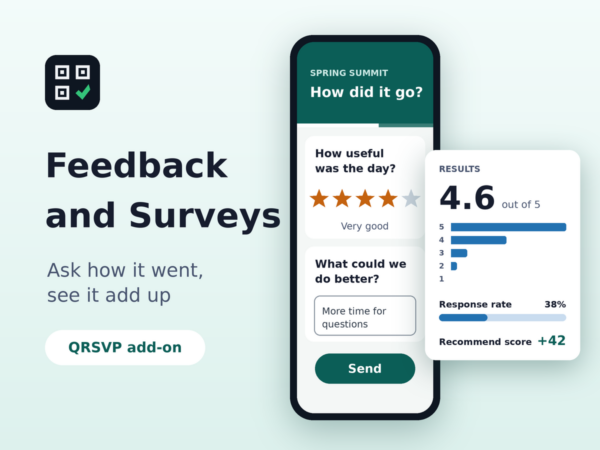
Ask your guests how it went: a short survey emailed after your event, or a QR code on the screen as each session ends — and see the response rate and the results add up as answers come in.
Add-on · works with every plan
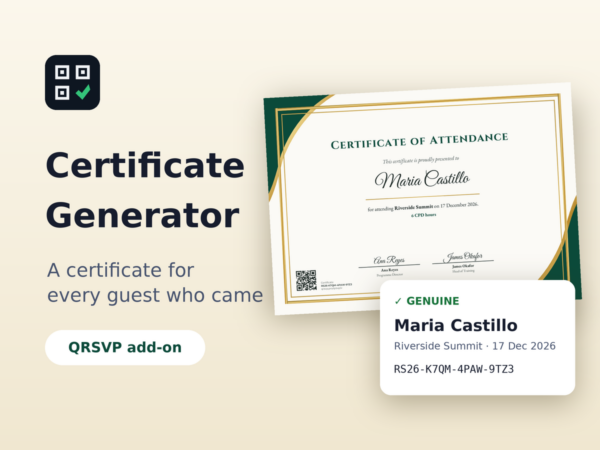
Give the guests who came a certificate of attendance: your design, their name, the event and its date, emailed after your event as a PDF each — with a number and QR code anyone can check on your site.
$19 Pay once. It never expires.
Add to cartIn your cart · View Details — QRSVP Certificate GeneratorAdd-on · works with every plan
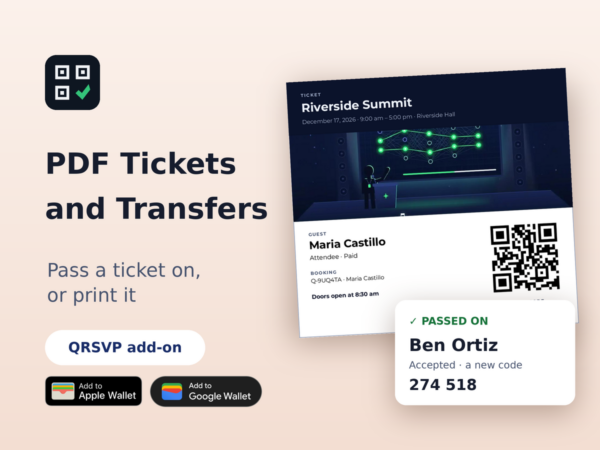
Let guests who can’t go pass their tickets on to someone else, and give every guest their tickets as a PDF to print or keep. The new holder accepts with their own details and gets new codes, and the old ones stop working.
$29 Pay once. It never expires.
Add to cartIn your cart · View Details — QRSVP PDF Tickets and Transfers