Add-on · works with every plan
QRSVP Chat Button
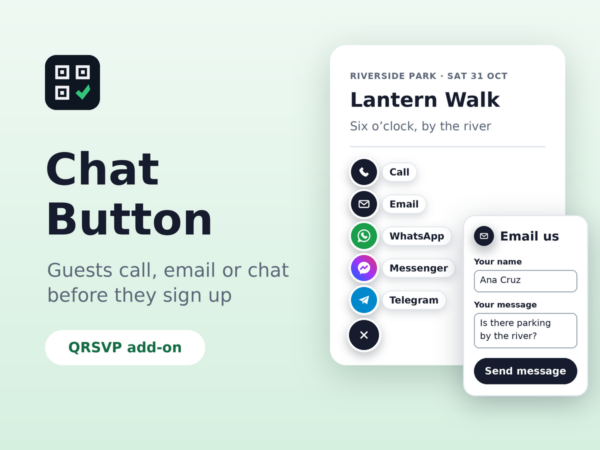
Let guests ask before they sign up — by phone, email, WhatsApp, Messenger or Telegram — from one button on your event page.
$19 Pay once. It never expires.
Add to cartIn your cart · ViewFree plugin for WordPress
One person signs up the whole family or team. Every guest gets a QR ticket by email. Your helpers scan them in with any phone, and collect any fee at the door in one tap.
 Lia Santos · ChildDoor code305 118Show this at the door
How it works
The wizard builds
Step 1
Install QRSVP from WordPress.org and answer a few questions. Your event page, tickets and check-in page are ready.
Step 2
Guests sign up and get their tickets by email straight away. Watch the list fill up; when places run out, the page closes itself.
Step 3
On the day, helpers open the check-in page on their phones and check guests in — a whole family at once.
At the door
Open the check-in page, point the camera — or type the six-digit code — and the whole group appears. Built to be used standing up, one-handed, in the dark, with a queue.
Allergy and no-photo warnings show above the money, and every guest in the group has their own allergy line.
Each guest’s price is fixed when they sign up, and two phones can never take the same payment twice.
When a group arrives together, one big button collects their total and checks them all in.
Choose an age for free entry: Nico is 3, so his row says Free and nobody asks him for money.
Features
QRSVP turns a WordPress page into a sign-up form with tickets, and any phone into a ticket scanner. Free, with no limit on guests.
A parent signs up the family, a coach the team: one contact, every guest named, ages asked only when they matter.
Asked only when food is served. They show at the door for the people serving, and stay private from everyone else.
Eleven Elementor widgets in your site’s colours and fonts, which update themselves: “Only 3 places left”, “Registration closed”.
A dashboard per event, a page per group, emails to everyone, a spreadsheet export and a printable list for when the Wi-Fi drops.
Door Staff only scan tickets; Event Managers run events, not your site. For every event, or just the ones they help with.
Notes, allergies and emergency contacts are for organizers only. Guests’ data can be exported or erased, and can delete itself after the event.
Privacy and GDPR
Some of your guests are in the EU, the UK or the EEA? Turn GDPR on for that event, and QRSVP does its part. In every plan, even Free.
You run the event, so you decide how your guests’ data is used. QRSVP gives you the tools, and a checklist of what’s left; have your privacy notice checked for your country.
Each event has its own privacy notice, terms, photo consent and refund policy, in its look. Your details fill in by themselves and stay up to date.
The exact words each guest agreed to, and when. Allergies get a consent of their own.
From their booking, guests have a copy of their data emailed to them, ask not to be photographed, or delete their booking and its data.
Choose how many days after each event its guest data is deleted. Payments stay in your totals, without names.
QRSVP and QRSVP Pro set no cookies, and the map on the event page loads only when a guest asks for it.
It shows what’s done and what’s left, and says plainly that it helps: it doesn’t make you compliant.
Live demos
Each demo is a real event page made with QRSVP, in a different look. Open one and explore.
FreeNeutralProEight themes

Free
A community fair · Neutral look, free

Pro
A kids’ Halloween party · Halloween Carnival theme

Pro
A tech conference · Tech Conference theme

Pro
A wedding · Garden Wedding theme

Pro
A child’s birthday party · Kids’ Birthday theme

Pro
A Christmas party · Christmas Party theme

Pro
A New Year’s Eve party · New Year Party theme

Pro
A summer garden party · Summer Garden Party theme

Pro
A baby shower · Baby Shower theme
Pricing
The plugin is free, with unlimited events and guests. Pro adds event themes, your own questions, a waitlist, reminder emails and Insights.
Unlimited events
$0 forever
The QRSVP plugin, from WordPress.org
1 site
$7.99 a month
Billed monthly. Cancel any time.
$79 a year
$6.58 a month, billed yearly
5 sites
$14.99 a month
Billed monthly. Cancel any time.
$149 a year
$12.42 a month, billed yearly
Unlimited sites
$29.99 a month
Billed monthly. Cancel any time.
$299 a year
$24.92 a month, billed yearly
In every plan, even Free
Add-on · works with every plan
Let guests ask before they sign up — by phone, email, WhatsApp, Messenger or Telegram — from one button on your event page.
$19 Pay once. It never expires.
Add to cartIn your cart · ViewAdd-on · works with every plan
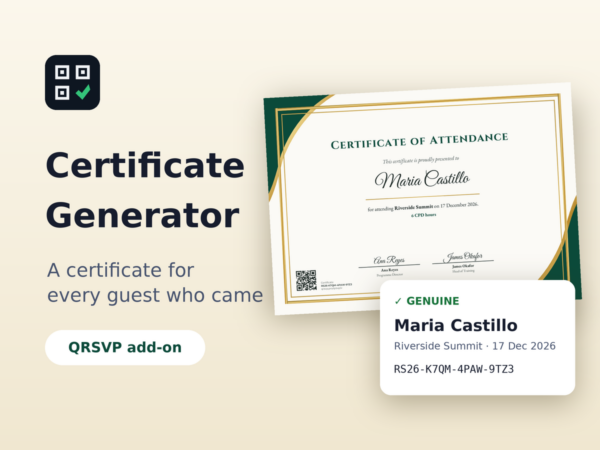
Give the guests who came a certificate of attendance: your design, their name, the event and its date, emailed after your event as a PDF each — with a number and QR code anyone can check on your site.
$19 Pay once. It never expires.
Add to cartIn your cart · ViewAdd-on · works with every plan
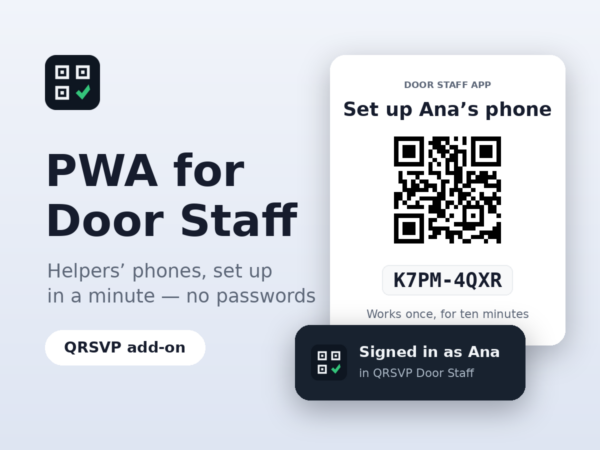
Set up your helpers’ phones for the door in a minute: show a QR code, and their phone opens your check-in page signed in — no password typed at the door.
$19 Pay once. It never expires.
Add to cartIn your cart · ViewAdd-on · works with every plan
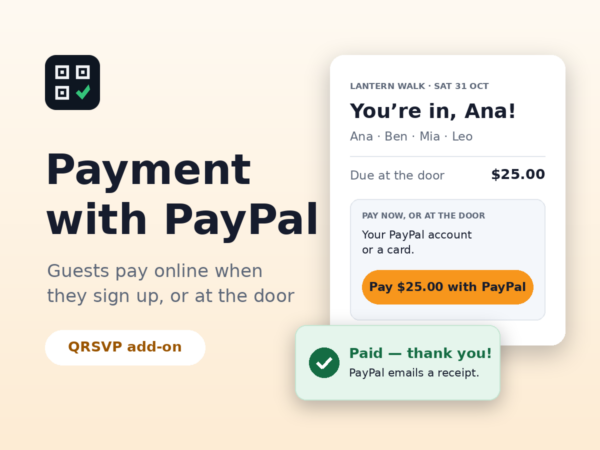
Let guests pay for their tickets online with PayPal — right after signing up, or later from their booking — or at the door, as before.
$29 Pay once. It never expires.
Add to cartIn your cart · ViewAdd-on · works with every plan
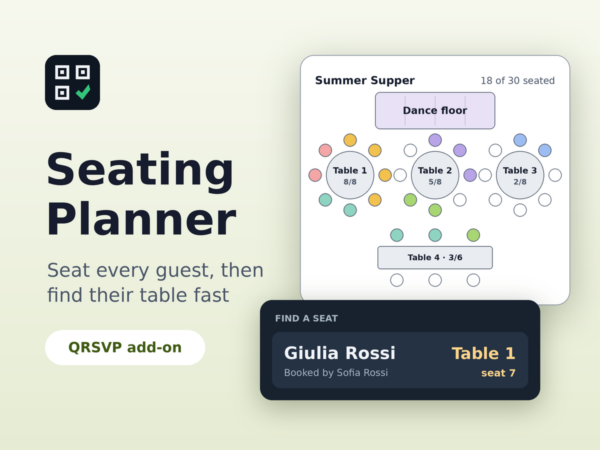
Seat your guests on a floor plan — drag a guest, or a whole group, to a table or a seat — and find anyone’s table at the door.
$29 Pay once. It never expires.
Add to cartIn your cart · ViewAdd-on · works with every plan
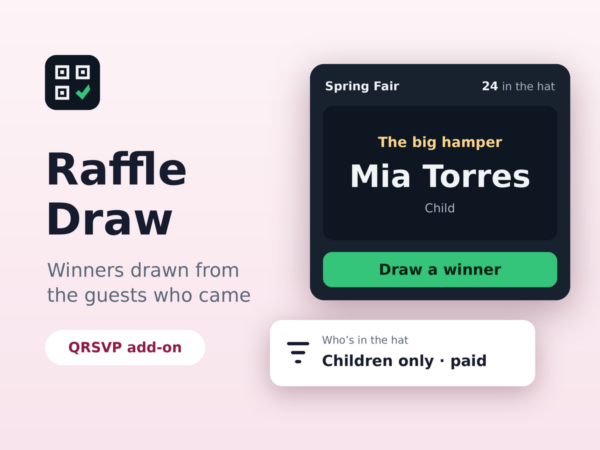
Draw raffle winners at your event from the guests who are really there — everyone checked in, or only children, adults, guests who paid or an age range — on a laptop, a phone or a big screen.
$19 Pay once. It never expires.
Add to cartIn your cart · ViewAdd-on · works with every plan
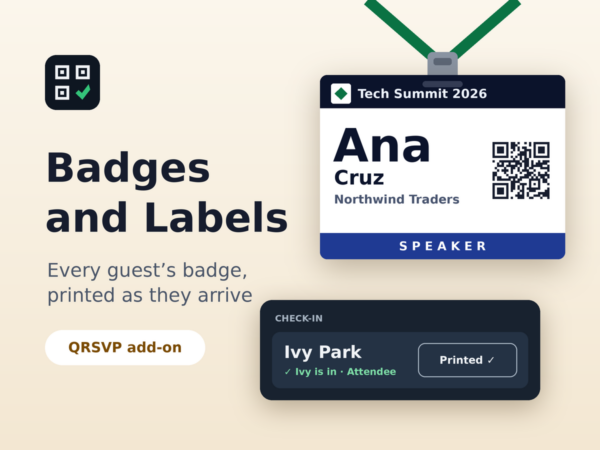
Print name badges, stickers and table cards from your guest list — each guest’s name, their ticket type and a QR code if you like — and print each badge as guests check in.
$19 Pay once. It never expires.
Add to cartIn your cart · ViewAdd-on · works with every plan
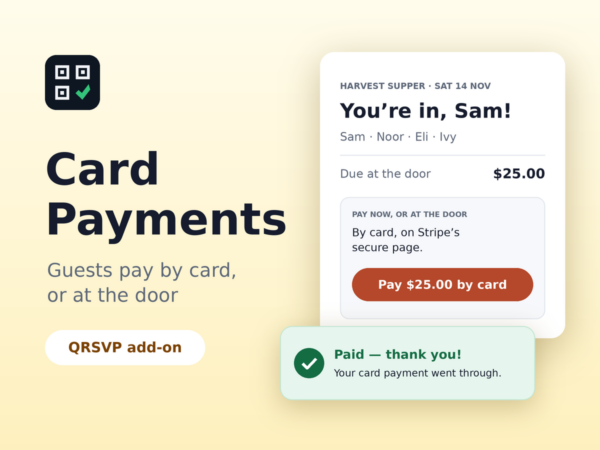
Let guests pay for their tickets online by card — right after signing up, or later from their booking — on Stripe’s secure payment page, or at the door, as before.
$29 Pay once. It never expires.
Add to cartIn your cart · ViewAdd-on · works with every plan
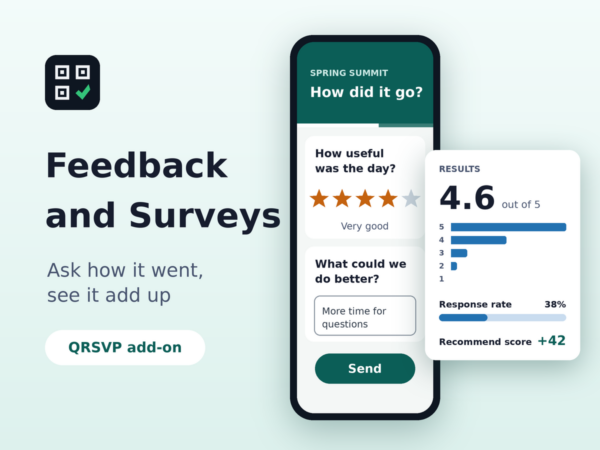
Ask your guests how it went: a short survey emailed after your event, or a QR code on the screen as each session ends — and see the response rate and the results add up as answers come in.
$19 Pay once. It never expires.
Add to cartIn your cart · ViewAdd-on · works with every plan
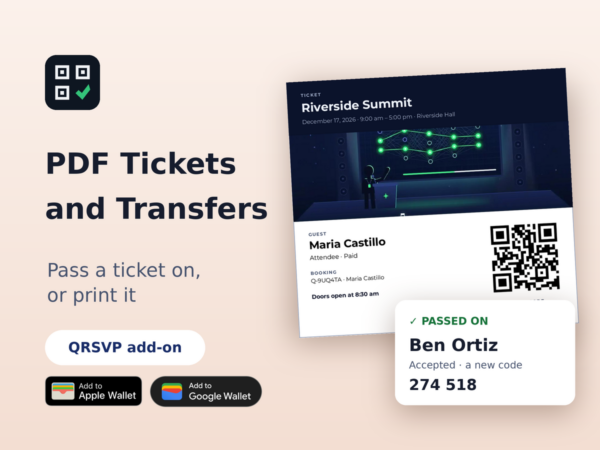
Let guests who can’t go pass their tickets on to someone else, and give every guest their tickets as a PDF to print or keep. The new holder accepts with their own details and gets new codes, and the old ones stop working.
$29 Pay once. It never expires.
Add to cartIn your cart · ViewAdd-on · works with every plan
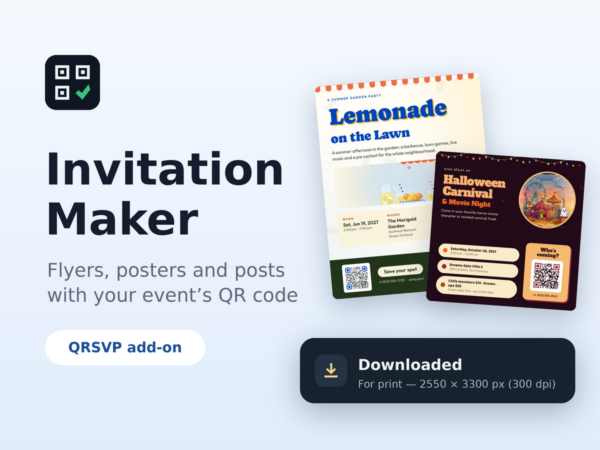
Make flyers, posters, cards and social posts for your event in a few clicks, in its own look and with its QR code, then download them or print them.
$19 Pay once. It never expires.
Add to cartIn your cart · ViewPaid plans renew automatically; cancel any time from your account. Add-ons are sold separately and work with every plan, free included.
Yes. The plugin on WordPress.org has no limit on events, guests or sign-ups. Pro adds the event themes, your own questions on the form, a waitlist, reminder emails and Insights, to see how each event is going.
Any event where guests sign up first: school fairs, weddings, birthday parties, church and club events, workshops and conferences, free or paid.
No. Guests register on your event page and get their tickets by email. At the door, the QR code on their phone — or the six-digit code — is all it takes.
Yes, with an add-on — QRSVP Payment with PayPal, or QRSVP Card Payments through Stripe: guests pay right after signing up or later from their booking, or at the door, as before. Each guest’s price is fixed when they sign up, so nobody pays twice.
Yes. Every payment is kept with who took it and when, on each group’s page, in every plan. With Venue and Unlimited, the Payments screen adds it up: each helper’s total for the night, for one event or a whole month, with a spreadsheet export.
No. Your check-in page works in any phone’s browser, and it can go on the home screen as an app. With the QRSVP PWA for Door Staff add-on, you set up each helper’s phone in a minute: they scan a code on your screen, and the page opens signed in — no password typed at the door.
Yes, in every plan. Turn GDPR on for an event and its privacy notice fills in your details, allergies get a consent of their own, and guests can have a copy of their data emailed to them or delete their booking. A checklist shows what’s left. You stay responsible for your guests’ data, so have your notice checked for your country.
WordPress with Elementor (the free version is enough). Tickets go out by email, so your site must send email reliably; any SMTP plugin does that.
After you pay, your licence key arrives by email. Paste it under QRSVP → Licence on the site that runs your events. You can move it to another site at any time.
The events you already run keep working, and every guest and payment is kept — with the themes, questions, waitlists and reminders they already have. You just can’t set up new ones, or open the Insights and Payments screens, until you renew.
Install the free plugin today. Add Pro when you want Insights, reminders, a waitlist or a theme.