Add-on · works with every plan, free included
QRSVP PDF Tickets and Transfers
Let guests who can’t go pass their tickets on to someone else, and give every guest their tickets as a PDF to print or keep. The new holder accepts with their own details and gets new codes, and the old ones stop working.
- One ticket, some or a whole booking, by email or by a link the guest sends
- The new holder’s own details and consent, new QR codes and door codes
- PDF tickets in your event’s colours, from the tickets email and the booking
- Apple Wallet and Google Wallet passes from the booking, with no account of your own
- Your licence key arrives by email as soon as the payment is confirmed.
- Works with the free QRSVP plugin from WordPress.org.
- One payment, no subscription.
- 30-day money-back guarantee.
What your guests can do
Tickets that can change hands, and be printed
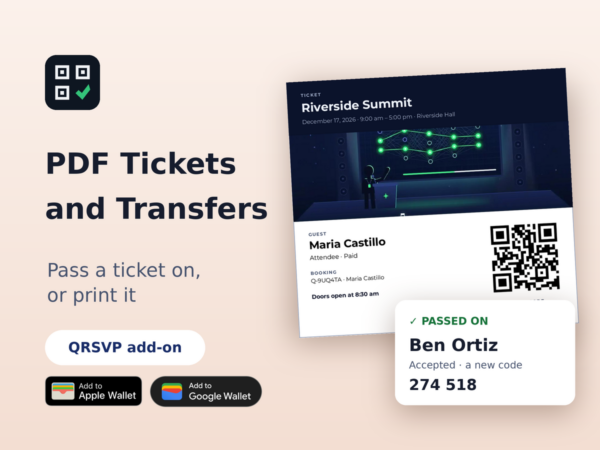
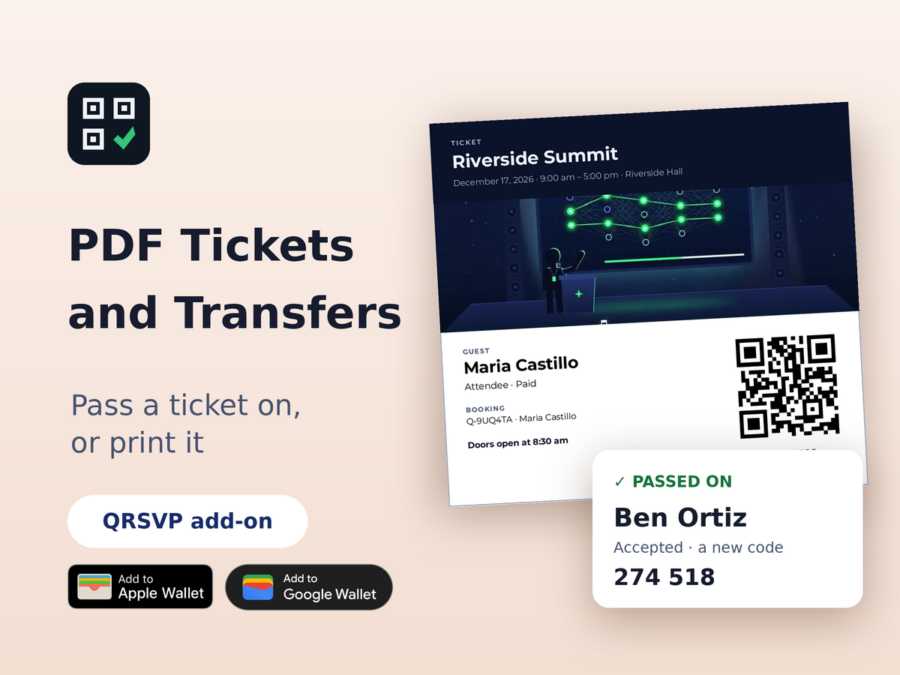
QRSVP PDF Tickets and Transfers lets the guests of a QRSVP event pass their tickets on when they can’t go, without writing to you. From the link in their tickets email, a guest chooses the tickets and who gets them: by email, or by a link they send by WhatsApp or text. The new holder accepts with their own details, as your registration form asks them, and gets tickets with new codes; the old QR code and door code stop working at that moment. Until then the tickets stay with the guest, who can take them back.
- One ticket, some, or the whole booking
- For each event: until when (when it starts, or 2 hours, a day, three days or a week before), which tickets, whether a ticket may change hands more than once, and an email to you each time
- Paid tickets stay paid; a ticket that is free by age follows the new holder’s age
- Your check-in page says when someone shows a ticket that was passed on, and to whom
- Every transfer listed for you, with a way to stop one that is waiting
- PDF tickets: every guest can download their tickets — one page a ticket, in your event’s colours and with its photo, its QR code and door code — from a button in the tickets email and from their booking. Made on your own site; names in Greek, Cyrillic, Arabic, Hebrew, the scripts of India and Thai print in fonts made for them
- Wallet passes: every guest can add their tickets to Apple Wallet or Google Wallet from their booking, with the same QR codes and door codes, in your event’s colours. qrsvp.pro signs them for your licensed site, so you need no Apple or Google account of your own
Needs only the free QRSVP plugin, version 1.5.0 or newer, not QRSVP Pro. One licence covers one site, and you pay once: it never expires.

Passed on
Ben Ortiz
Accepted · a new code
274 518


How it works
From checkout to tickets that travel
-
Pay once
$29, with no subscription. The licence never expires.
-
Get your licence key
It arrives by email as soon as the payment is confirmed.
-
Turn it on for an event
Install the add-on beside the free QRSVP plugin and activate the key on its screen: PDF tickets and wallet passes are on for every event at once. To let guests pass tickets on, tick it on the event’s settings and choose until when, and which tickets.
Questions
Asked before buying
Still deciding? Read the Refund Policy, or write to [email protected].
Do I need QRSVP Pro?
No. Add-ons need only the free QRSVP plugin. They work with Pro too.
What happens to the old ticket?
It keeps working until the new holder accepts — they give their own details, as your form asks them. Then they get tickets with new codes, and the old QR code and door code stop working. Your check-in page says so if someone shows the old one.
Do paid tickets stay paid?
Yes. A ticket keeps its price and what was paid for it. Anything still to pay, the new holder pays.
Can I limit when and what guests pass on?
Yes, for each event: until it starts, or hours or days before; some tickets only; and whether a ticket may change hands more than once. You see every transfer, and can stop one that is waiting.
Can guests keep their tickets in their phone’s wallet?
Yes. One tap on their booking adds every ticket to Apple Wallet or Google Wallet, with the same QR codes and door codes, in your event’s colours. You need no Apple or Google account of your own: qrsvp.pro signs the passes for your licensed site, and each event’s privacy notice says what is sent to it. You can turn wallet passes off for the whole site.
Can I use one licence on several sites?
One licence covers one site. You can move it to another site from the add-on’s licence screen.
Can I get my money back?
Yes. Ask within 30 days of your payment and you get a full refund.
QRSVP Pro
Insights, reminders, your own questions and a waitlist
QRSVP Pro adds eight event themes, your own questions on the form, a waitlist when an event is full, reminder emails with the tickets, and Insights, to see how each event is going. From $6.58 a month, billed yearly. Add-ons work with Pro too.