Add-on · works with every plan, free included
QRSVP PWA for Door Staff
Set up your helpers’ phones for the door in a minute: show a QR code, and their phone opens your check-in page signed in — no password typed at the door.
- Each helper’s own sign-in code, good once for ten minutes
- QRSVP Door Staff on their home screen, on Android or iPhone
- Sign out a lost phone from WordPress
- Your licence key arrives by email as soon as the payment is confirmed.
- Works with the free QRSVP plugin from WordPress.org.
- One payment, no subscription.
- 30-day money-back guarantee.
What you and your helpers see
Hand over the door in a minute
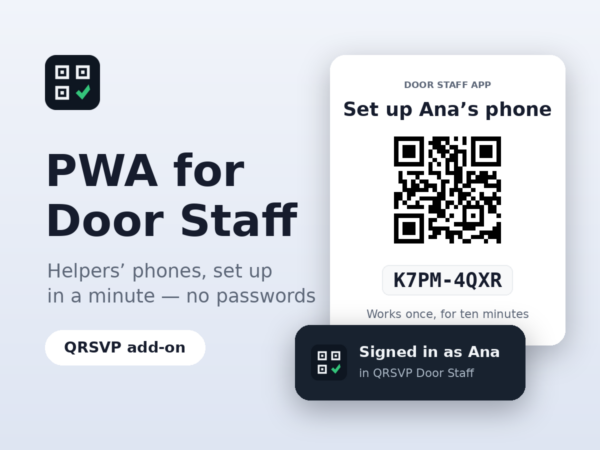
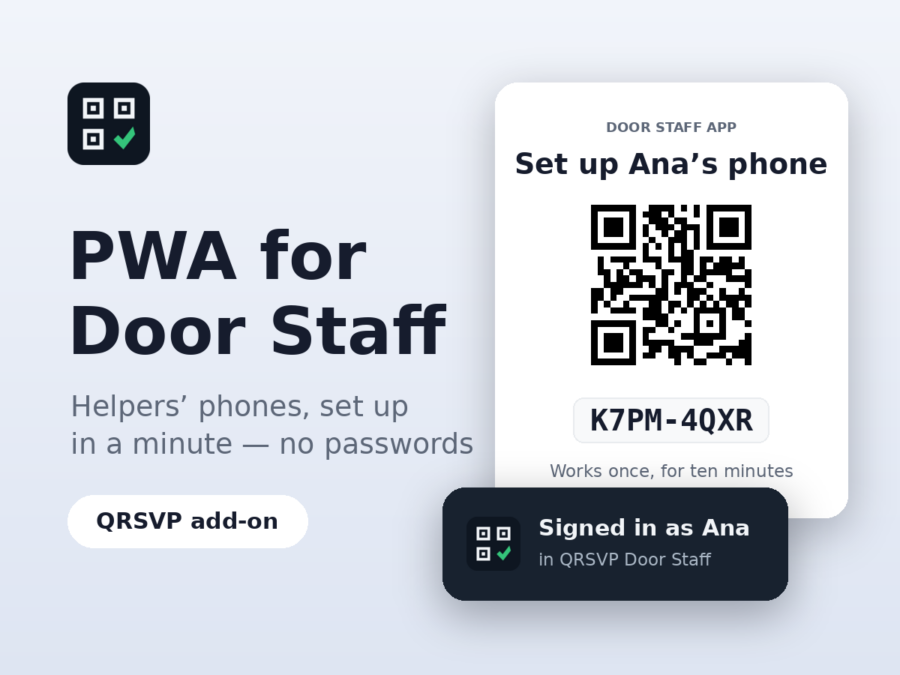
QRSVP PWA for Door Staff adds “Set up a phone” to QRSVP. Pick a helper and show them the QR code on your screen: their phone opens your check-in page signed in as them, with the steps to put it on their home screen as QRSVP Door Staff — a web app (a PWA) that opens straight to the scanner. No app store, and no password typed at the door.
- Codes work once, for ten minutes, and only for Door Staff accounts; event managers and administrators keep their passwords
- The steps for the phone in hand: an Install button on Android, Share → Add to Home Screen on iPhone
- On an iPhone, the app signs in with a second code from your screen
- Each helper’s phones listed, and a lost one signed out in a click
- A handover card to print for your briefing — it signs nobody in
Needs only the free QRSVP plugin, not QRSVP Pro. One licence covers one site, and you pay once: it never expires.
Door Staff app
Set up Ana’s phone

K7PM-4QXR
Works once, for ten minutes
Signed in as Ana in QRSVP Door Staff
How it works
From checkout to your helpers’ phones
-
Pay once
$19, with no subscription. The licence never expires.
-
Get your licence key
It arrives by email as soon as the payment is confirmed.
-
Set up a phone
Install the add-on beside the free QRSVP plugin and activate the key on its screen. Then press “Set up a phone” beside a helper, and they scan the code with their phone’s camera.
Questions
Asked before buying
Still deciding? Read the Refund Policy, or write to [email protected].
Do I need QRSVP Pro?
No. Add-ons need only the free QRSVP plugin. They work with Pro too.
Do my helpers need an app store?
No. QRSVP Door Staff goes on their home screen straight from your check-in page — Install on Android, Add to Home Screen on iPhone — and opens to the scanner. There is nothing to download from an app store.
Can I use one licence on several sites?
One licence covers one site. You can move it to another site from the add-on’s licence screen.
Can I get my money back?
Yes. Ask within 30 days of your payment and you get a full refund.
QRSVP Pro
Insights, reminders, your own questions and a waitlist
QRSVP Pro adds eight event themes, your own questions on the form, a waitlist when an event is full, reminder emails with the tickets, and Insights, to see how each event is going. From $6.58 a month, billed yearly. Add-ons work with Pro too.