Add-on · works with every plan, free included
QRSVP Invitation Maker
Make flyers, posters, cards and social posts for your event in a few clicks, in its own look and with its QR code, then download them or print them.
- Six layouts, from a Letter or A4 flyer to a square post and a ticket
- QR codes in your style that still scan, with your logo if you like
- Change any word, colour or picture in Elementor
- Your licence key arrives by email as soon as the payment is confirmed.
- Works with the free QRSVP plugin from WordPress.org.
- One payment, no subscription.
- 30-day money-back guarantee.
What you make
Invitations in your event’s look
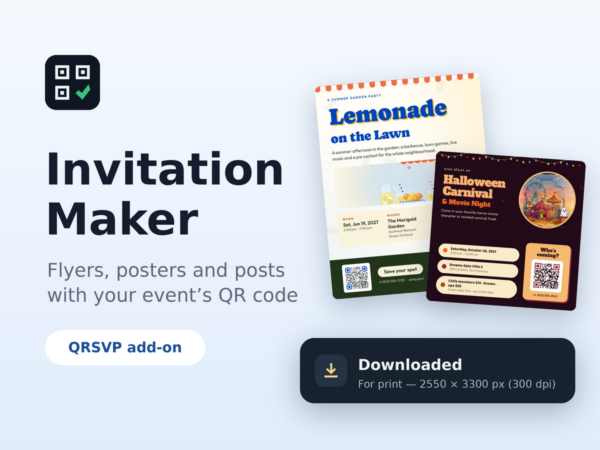
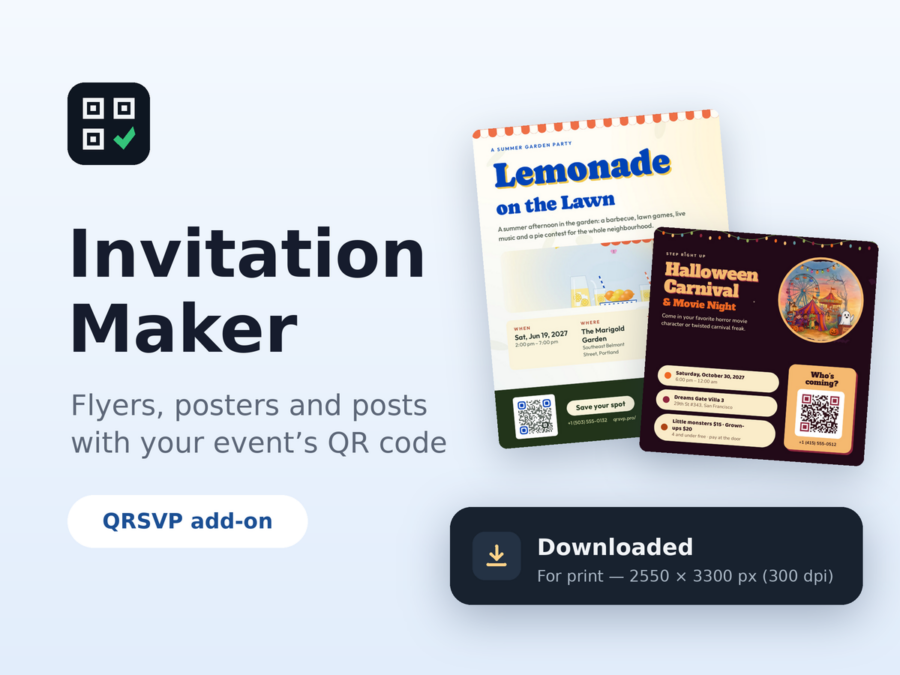
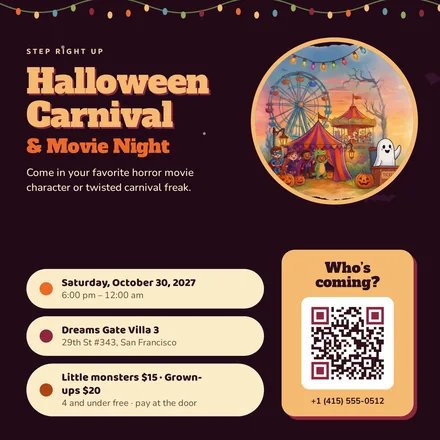
QRSVP Invitation Maker adds Invitations to QRSVP. Pick an event, a layout and a look: the invitation comes with the event’s name, date, place and prices, its picture, your logo, and a QR code that opens the event’s short link, so guests scan it and sign up. Download it as a picture for a post or an email, or print it.
- Six layouts: a flyer and a poster (Letter or A4), a 7 × 5 card, a square post, a ticket to share, and a sign for the entrance
- Neutral, in your site’s own colours and fonts; with QRSVP Pro, the eight event themes too
- QR codes in squares, rounded or dots, framed with “Scan to RSVP”, “Get your tickets” and more — readable in every style
- Your logo in every layout, and in the middle of the code if you like
- Every word, colour and picture can be changed in Elementor; the date, place and prices follow the event when they change
- Pictures at 300 dpi for print, or sized for social posts; print or save a PDF at the paper’s size
Needs only the free QRSVP plugin, not QRSVP Pro. One licence covers one site, and you pay once: it never expires.

Downloaded For print — 2550 × 3300 px (300 dpi)
How it works
From checkout to your first invitation
-
Pay once
$19, with no subscription. The licence never expires.
-
Get your licence key
It arrives by email as soon as the payment is confirmed.
-
Make an invitation
Install the add-on beside the free QRSVP plugin and activate the key on its screen. Then open QRSVP → Marketing → Invitations, pick a layout and a look, and download it or print it.
Questions
Asked before buying
Still deciding? Read the Refund Policy, or write to [email protected].
Do I need QRSVP Pro?
No. Add-ons need only the free QRSVP plugin. They work with Pro too.
Will the QR code still scan?
Yes. Whatever pattern, colours or frame you choose, the code stays dark on light, and a logo in the middle comes with the extra error correction that leaves room for it. It opens your event’s short link, so it keeps working if the event page’s address changes.
Do I need Elementor Pro?
No. The free Elementor that QRSVP uses is enough: each invitation opens in it like a page, to change any word, colour or picture.
Which looks can I use?
Neutral, in your site’s own colours and fonts. With QRSVP Pro, the eight event themes too.
Can I use one licence on several sites?
One licence covers one site. You can move it to another site from the add-on’s licence screen.
Can I get my money back?
Yes. Ask within 30 days of your payment and you get a full refund.
QRSVP Pro
Insights, reminders, your own questions and a waitlist
QRSVP Pro adds eight event themes, your own questions on the form, a waitlist when an event is full, reminder emails with the tickets, and Insights, to see how each event is going. From $6.58 a month, billed yearly. Add-ons work with Pro too.