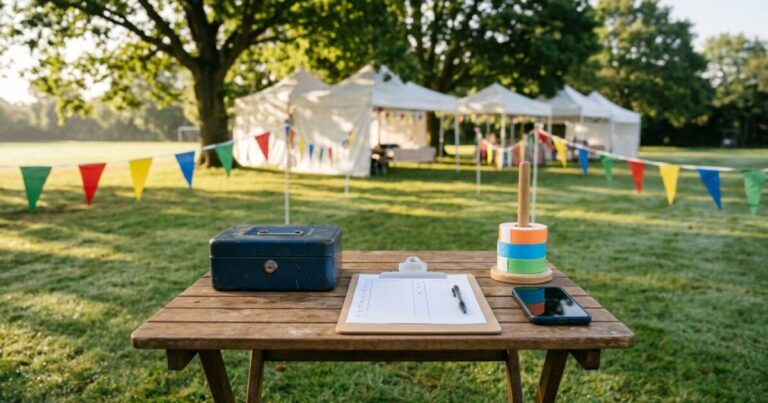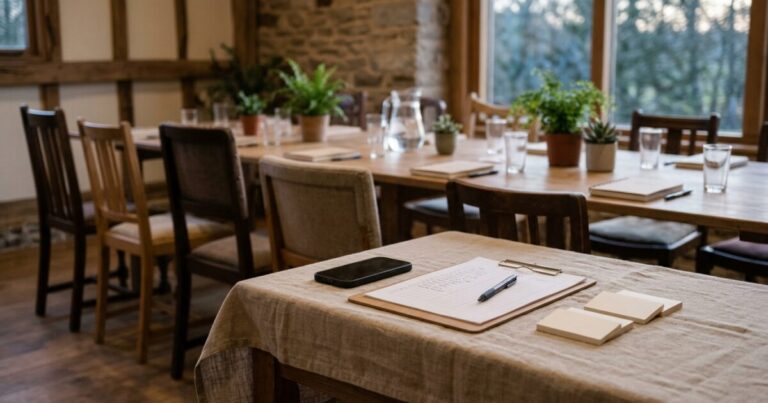
You have 40 sign-ups for your free Saturday workshop. You set out the chairs, print the handouts and buy the coffee. At ten o’clock, 26 people are in the room.
If you want to know how to reduce no-shows at free events, start here: expect some, plan for your real show rate, and remove every reason not to come — or not to cancel. A clear limit, a reminder with the details, and a cancel link that takes one tap do most of the work.
Key takeaways
- Plan for roughly a quarter to a third of free sign-ups not coming, and more at small events.
- Track your own show rate: guests checked in, divided by guests signed up.
- Send a short reminder one or two days before, with the time, the place and a cancel link.
- A cancel link turns a silent no-show into a free place for someone on the waitlist.
- A small paid option raises commitment, but it also changes who signs up.
Contents
Why people skip free events
A free place costs nothing to book, so it costs nothing to drop. Signing up takes one minute on a phone. Coming takes a morning, a bus ride and maybe childcare.
Eventbrite puts this down to perceived value: a paid ticket has a price on it, while a free one can feel worth almost nothing, so it is the first plan to go (Eventbrite).
Most no-shows are not rude. They are ordinary:
- They forgot the date or the start time
- Something else came up, and cancelling felt like work
- They signed up “just in case”
- Nobody seemed to notice whether they came
- They couldn’t find the address or the way in on the day
Each reason points to a fix. The rest of this guide takes them one by one.
What no-show rate to expect at a free event
The numbers depend on who measured them and how. Some come from real check-ins; others come from organizers’ own reports.
| Source | How it was measured | Free events | Paid events |
|---|---|---|---|
| PheedLoop, all sizes | Check-ins at live events | About 28% median | About 17% median |
| PheedLoop, 10 to 49 guests | Check-ins at live events | About 37% median | About 17% median |
| Eventbrite | What organizers report | As high as 50% | As low as 10% |
| Eventtia | Industry benchmarks | 40% to 60% | About 10% to 20% |
PheedLoop’s figures come from check-in data at live events: a median of about 28% for free events and about 17% for paid ones, rising to about 37% at small free events of 10 to 49 people (PheedLoop Event Data Lab #05). Eventbrite says some free-event organizers see up to 50% (Eventbrite), and Eventtia puts free in-person events at 40% to 60% (Eventtia).
So for a free workshop of 20 to 40 people, plan for about a third of the list not to come — until you have numbers of your own.
Work out your own show rate
Your own show rate beats any average. It takes four steps and one number per event.
- Count who signed up, person by person, not booking by booking
- On the day, check every guest in, walk-ins included
- Divide the guests who came by the guests who signed up
- Write it down by type of event: evening class, Saturday workshop, meetup
Say your last three Saturday workshops each had 30 sign-ups, and 21, 19 and 22 people came. That is 62 out of 90: a show rate of just under 70%.
Now you can decide how many places to offer. Divide the seats in the room by your show rate. A room for 20 at a 70% show rate can take about 28 sign-ups.
If you offer more places than seats, keep a plan for the day everyone comes: a few stacked chairs, a second room, or a waitlist instead of extra places. If you need a way to check guests in from a phone, our comparison of free QR code check-in plugins sets out the options.
Send reminders that do a job
A reminder works when it answers the questions people have that morning. Where is it? What time? How do I get in? What if I can’t come?
Send one about a week before and one a day or two before. Eventbrite suggests a confirmation email 24 hours ahead, which also helps you guess the numbers (Eventbrite UK).
Put these in every reminder:
- The date, the start time and the finish time
- The address, the entrance and where to park
- What to bring — a laptop, a notebook, their ticket
- A one-line question: “Still coming? If not, please free your place.”
- A link that cancels their place in one tap
Keep it short. People read it on a phone, often on the way.
With QRSVP Pro, reminder emails go out from three hours to a week before, as you choose, and send every group their tickets again with a line of your own.
Make cancelling one tap
Many no-shows meant to cancel. If cancelling needs a login, a password or an email to you, it often doesn’t happen.
Put a cancel link in the confirmation email and in every reminder. A guest who can’t come taps it, and their place opens up. You get a true headcount instead of a guess.
Pair it with a waitlist. When a place frees up, the next person in line gets it. Eventbrite describes a free event that handed unclaimed tickets to other applicants and slightly over-allocated; on the day, the turnout came very close to the 400 people the team planned for (Eventbrite UK).
In QRSVP, each booking has its own link, with no account or password, so guests can cancel a place they can’t use. With QRSVP Pro’s waitlist, places that free up go to the next group in line, with their tickets by email.
Give each place a value
People keep plans that feel real. A few honest details make a free place feel like one.
- Set a real limit and show it: “Only 3 places left” is true, and it tells people the place matters.
- Ask one short question at sign-up, such as what they hope to learn. It helps you plan the session, and it asks them to picture the day.
- Name what happens only in the room: the hands-on part, the printed notes, a certificate of attendance for those who come.
- Think about a small paid option or a deposit you give back on the day.
Money changes behaviour. PheedLoop found that among paid events, no-show rates stayed flat at around 16% to 19% however the sign-up form was built: payment, not effort, was what filtered people (PheedLoop Event Data Lab #06).
But a fee also changes who comes. For a community class, keeping it free may matter more than a full room. If you do take money, refunds and card fees are set by your payment provider, so check their own pages.
Plan the day for the people who come
Some no-shows will happen anyway. Plan so the room still works.
- Have a way to add walk-ins at the door, so they count too
- Start on time, so the people who came early are not punished
- Set out fewer chairs and keep the rest stacked nearby
- Print enough handouts for your show rate, plus a few spares
After the event, send a short note to those who didn’t come. Keep it kind: the slides or notes, and the date of the next session. Many will come next time.
Before your next free workshop
Pick one change for your next event. A reminder with a cancel link is a good first step, and your show rate will tell you if it helped.
If your events run on WordPress, get QRSVP free: one form signs up a whole group, every guest gets a QR ticket by email, and each booking has its own link to cancel a place they can’t use.
Frequently asked questions
What is a normal no-show rate for a free event?
Expect roughly a quarter to a third of free sign-ups not to come. PheedLoop’s check-in data shows a median of about 28% for free events and about 37% for small free events of 10 to 49 people.
Should I overbook a free event?
Often yes, by your own show rate: divide the seats by the share of people who usually come. Keep a plan for the day everyone turns up, such as spare chairs or a waitlist instead of extra places.
When should I send a reminder for a free event?
Send one about a week before and one 24 to 48 hours before. Include the time, the address, how to get in and a link to cancel.
Does charging a small fee reduce no-shows?
Usually, yes: paid events show lower no-show rates than free ones in PheedLoop’s data, about 17% against 28%. A fee also keeps some people away, so weigh it against why your event is free.
What should I say to people who signed up and didn’t come?
Send a short, friendly note with the slides or notes and the date of the next session. Don’t scold: the aim is to see them next time.
Sources
- Event Data Lab Report #05: One in Five Registered Attendees Won't Show Up, PheedLoop
- Event Data Lab Report #06: Does Easier Registration Lead to More No-Shows?, PheedLoop
- The Ultimate Way to Reduce No-Shows at Free Events, Eventbrite
- How to manage attendance at free events, Eventbrite UK
- How to prevent no-shows at your events – Tips and strategies, Eventtia
We make QRSVP: guest lists and QR check-in for WordPress. One person signs up the whole family or team, and every guest gets a QR ticket by email. On the day, your helpers scan them in with any phone, no app needed. When a group arrives together, one tap checks them all in and takes what they owe. The plugin is free, with unlimited events and guests, and made for Elementor. QRSVP Pro adds eight event themes, your own questions on the form, a waitlist and reminder emails. See the demos and plans at qrsvp.pro. QRSVP is a WordPress plugin by MERAF Digital Solutions.
More articles