Add-on · works with every plan, free included
QRSVP Certificate Generator
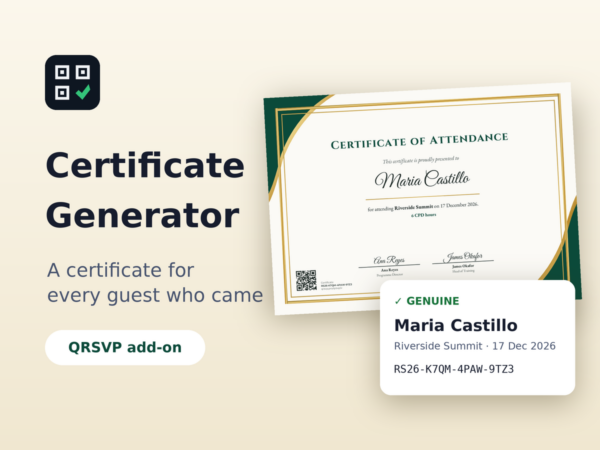
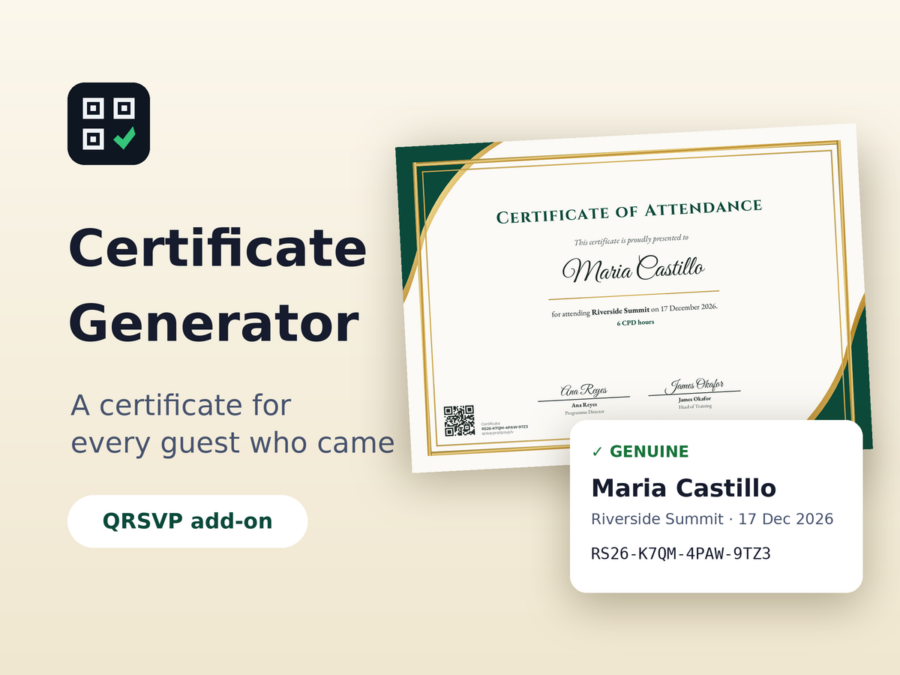
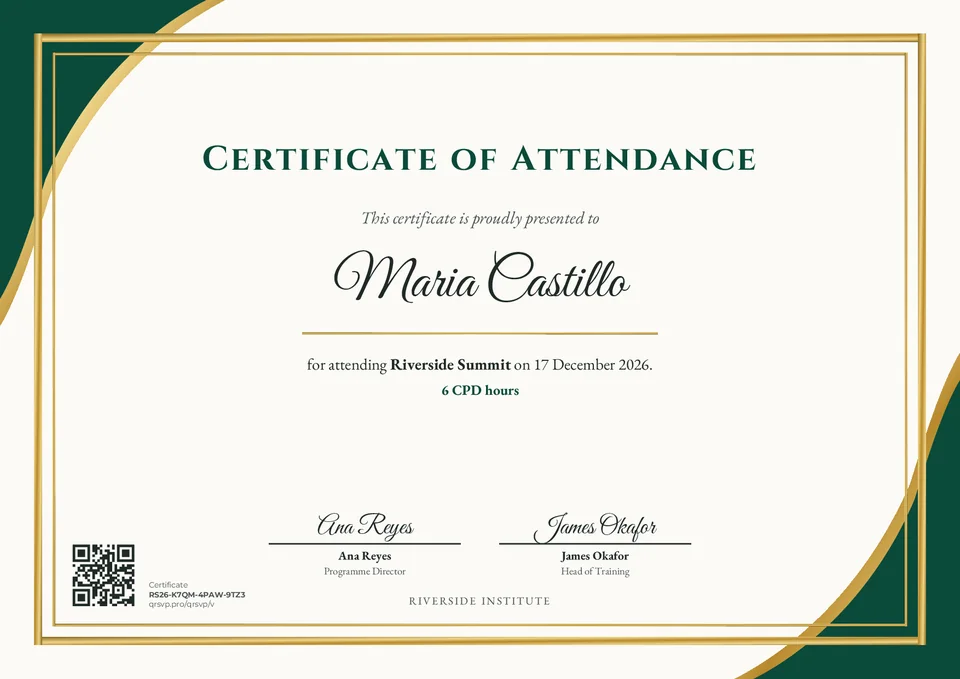
Give the guests who came a certificate of attendance: your design, their name, the event and its date, emailed after your event as a PDF each — with a number and QR code anyone can check on your site.
- Six styles, your colours, your words, your logo and signatures
- Each guest’s own link by email, after the event or once they’ve answered your survey
- A number and QR code on every certificate: anyone can check it’s genuine
- Your licence key arrives by email as soon as the payment is confirmed.
- Works with the free QRSVP plugin from WordPress.org.
- One payment, no subscription.
- 30-day money-back guarantee.
What your guests receive, and what anyone can check
Certificates that check themselves
QRSVP Certificate Generator gives the guests of a QRSVP event a certificate of attendance — for seminars, workshops, training sessions and conferences. Choose a style — Classic, Modern, Minimal, Academic, Ribbon or Bold — in one of seven colourings or your own colour, on A4 or US Letter, landscape or portrait; write its title and words; add your logo and up to two signatures. A live preview beside the design shows a real certificate as you type.
- Each guest’s name, the event, its date, the venue and hours or credits filled in for every certificate
- Made as a PDF on your own site — names in Greek, Cyrillic, Arabic, Hebrew, the scripts of India and Thai print in fonts made for them
- Emailed after the event when you choose — or once a guest has answered your survey, with QRSVP Feedback and Surveys — each guest with their own link, and “Add to LinkedIn” on their page
- A number and QR code on every certificate: anyone can check it on your site — genuine, or withdrawn
- Correct a name, withdraw a certificate or give it back, print them all as one PDF, download the list
Needs only the free QRSVP plugin, not QRSVP Pro; the email’s buttons come with an up-to-date QRSVP. One licence covers one site, and you pay once: it never expires.
Genuine
Maria Castillo
Riverside Summit
RS26-K7QM-4PAW-9TZ3
How it works
From checkout to your first certificates
-
Pay once
$19, with no subscription. The licence never expires.
-
Get your licence key
It arrives by email as soon as the payment is confirmed.
-
Design it, then turn it on
Install the add-on beside the free QRSVP plugin and activate the key on its screen. Then open QRSVP → After the event → Certificates, choose a style and your words — the preview beside them shows a real certificate — and turn certificates on for the event.
Questions
Asked before buying
Still deciding? Read the Refund Policy, or write to [email protected].
Do I need QRSVP Pro?
No. Add-ons need only the free QRSVP plugin. They work with Pro too.
Who gets a certificate, and when?
The guests who were checked in at the door — or everyone booked, or some tickets only — by email, when you choose: as the event ends, two hours after, the next morning, or a day after. Each guest in a group gets their own link, and anyone checked in late gets theirs within the hour.
How does anyone check a certificate?
Every certificate has its own number and a QR code. Scanning the code, or typing the number on your site, shows whether it is genuine: the name, the event, its date and who issued it — or that you withdrew it.
Can guests wait for a survey first?
Yes, with QRSVP Feedback and Surveys: a certificate can wait until its guest has answered the event’s survey, and goes within minutes of the answer. The survey’s email says a certificate follows.
Can I use one licence on several sites?
One licence covers one site. You can move it to another site from the add-on’s licence screen.
Can I get my money back?
Yes. Ask within 30 days of your payment and you get a full refund.
QRSVP Pro
Insights, reminders, your own questions and a waitlist
QRSVP Pro adds eight event themes, your own questions on the form, a waitlist when an event is full, reminder emails with the tickets, and Insights, to see how each event is going. From $6.58 a month, billed yearly. Add-ons work with Pro too.