Add-on · works with every plan, free included
QRSVP Feedback and Surveys
Ask your guests how it went: a short survey emailed after your event, or a QR code on the screen as each session ends — and see the response rate and the results add up as answers come in.
- Star ratings, smiley faces, “would you recommend us?”, choices and comments
- Each guest’s own link by email, the first question’s stars right in the email
- Anonymous unless you choose otherwise, in your event’s own look
- Your licence key arrives by email as soon as the payment is confirmed.
- Works with the free QRSVP plugin from WordPress.org.
- One payment, no subscription.
- 30-day money-back guarantee.
What your guests answer, and what you see
Feedback that adds itself up
QRSVP Feedback and Surveys asks the guests of a QRSVP event how it went. Start from a ready survey — How did it go?, Session feedback, Training evaluation, Conference, Community event — or from scratch, and change every word. Your guests answer on their phone, on a page in your event’s own colours and fonts, every question on one page.
- After the event: emailed by itself when you choose, to the guests who came, each with their own link — and the first question’s stars to tap right in the email
- One reminder three days later to whoever hasn’t answered, if you like, and a closing date
- Session feedback: a link and QR code for each session, for the screen as it ends or a printed sign — paste your programme to add every session at once
- Star ratings, smiley faces, “would you recommend us?” from 0 to 10, one or several choices, yes or no, rating several things at once, and comments
- Anonymous unless you choose otherwise — or ask with names, to follow up with someone unhappy
- The response rate, the average rating, the recommend score, every choice counted, sessions side by side, and comments with their writer’s rating; download every answer as a spreadsheet
Needs only the free QRSVP plugin, not QRSVP Pro; the email’s buttons come with an up-to-date QRSVP. One licence covers one site, and you pay once: it never expires.
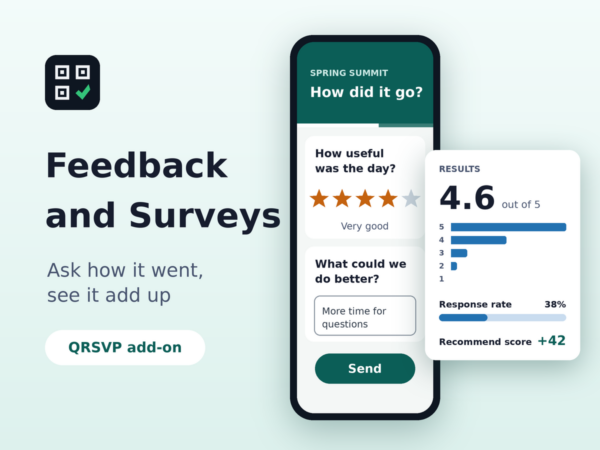
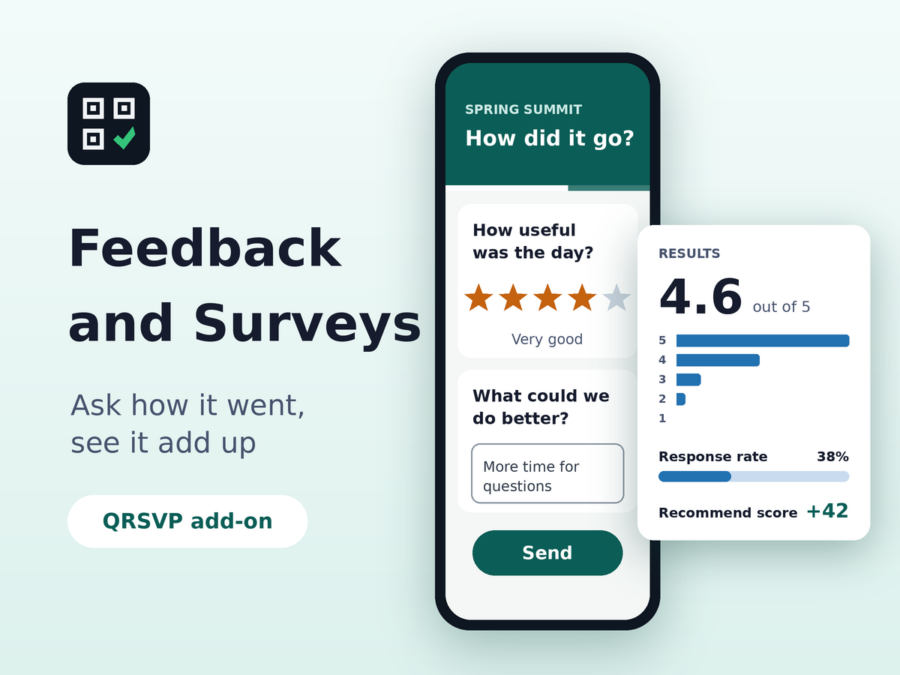
Spring Summit
How did it go?
How useful was the day?
Very good
What could we do better?
More time for questions
Send
Results
4.6 out of 5
Response rate38%
Recommend score+42
How it works
From checkout to your first answers
-
Pay once
$19, with no subscription. The licence never expires.
-
Get your licence key
It arrives by email as soon as the payment is confirmed.
-
Start a survey, then open it
Install the add-on beside the free QRSVP plugin and activate the key on its screen. Then open QRSVP → After the event → Feedback and Surveys, pick a ready survey — How did it go?, Session feedback, a training evaluation — change any word, and schedule the email or put a session’s QR code on the screen.
Questions
Asked before buying
Still deciding? Read the Refund Policy, or write to [email protected].
Do I need QRSVP Pro?
No. Add-ons need only the free QRSVP plugin. They work with Pro too.
Who gets the survey, and when?
The guests who were checked in at the door — or everyone booked, if you prefer — by email, when you choose: as the event ends, two hours after, the next morning, or a day or two later. Each guest in a group gets their own link, and one reminder goes three days later to whoever hasn’t answered, if you leave it on.
Can I collect feedback on each session?
Yes. Session feedback gives every session its own link and QR code: put it on the screen as the session ends, or print a sign for the door. You see each session’s results, and all of them side by side.
Are the answers anonymous?
Unless you choose otherwise. An anonymous answer is kept with nothing that says who gave it, and the survey tells your guests so. Or ask with names, to follow up with someone who wasn’t happy — the survey says that too.
Can I use one licence on several sites?
One licence covers one site. You can move it to another site from the add-on’s licence screen.
Can I get my money back?
Yes. Ask within 30 days of your payment and you get a full refund.
QRSVP Pro
Insights, reminders, your own questions and a waitlist
QRSVP Pro adds eight event themes, your own questions on the form, a waitlist when an event is full, reminder emails with the tickets, and Insights, to see how each event is going. From $6.58 a month, billed yearly. Add-ons work with Pro too.