Add-on · works with every plan, free included
QRSVP Raffle Draw
Draw raffle winners at your event from the guests who are really there — everyone checked in, or only children, adults, guests who paid or an age range — on a laptop, a phone or a big screen.
- One winner or several at a time, with the prize on screen
- Past winners skipped, and one win per group if you like
- Every winner kept, so a reload or a second phone shows the same list
- Your licence key arrives by email as soon as the payment is confirmed.
- Works with the free QRSVP plugin from WordPress.org.
- One payment, no subscription.
- 30-day money-back guarantee.
What the room sees
A raffle draw from the guests who came
QRSVP Raffle Draw adds a raffle draw to each QRSVP event. Everyone checked in at the door goes in the hat as they arrive, so nobody who went home or never came can win. Type the prize, tap Draw, and the names spin and land on the winner — on your laptop, your phone, or a projector.
- Draw from everyone checked in, or everyone registered; or only children or adults, guests who have paid, or an age range
- One winner or several at a time, for a table of identical prizes
- Anyone who has won is skipped unless you allow it, and one win per group keeps one family from taking three prizes
- Show on a big screen: names and prizes only, never who booked them
- Every winner is kept, so a reload or a second phone shows the same list; undo the last draw at any time
- Run by administrators, and by Event Managers for their own events
Needs only the free QRSVP plugin, not QRSVP Pro. One licence covers one site, and you pay once: it never expires.
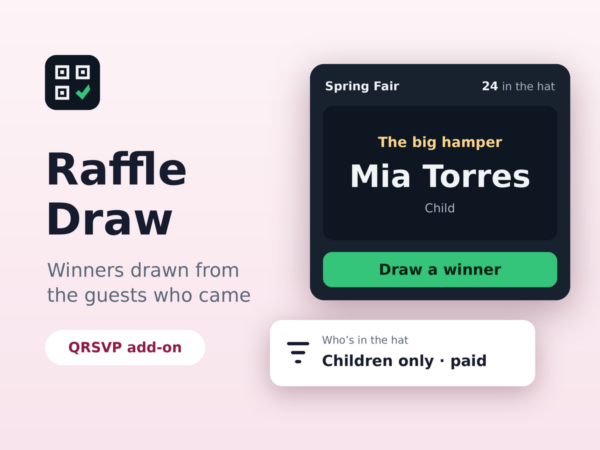
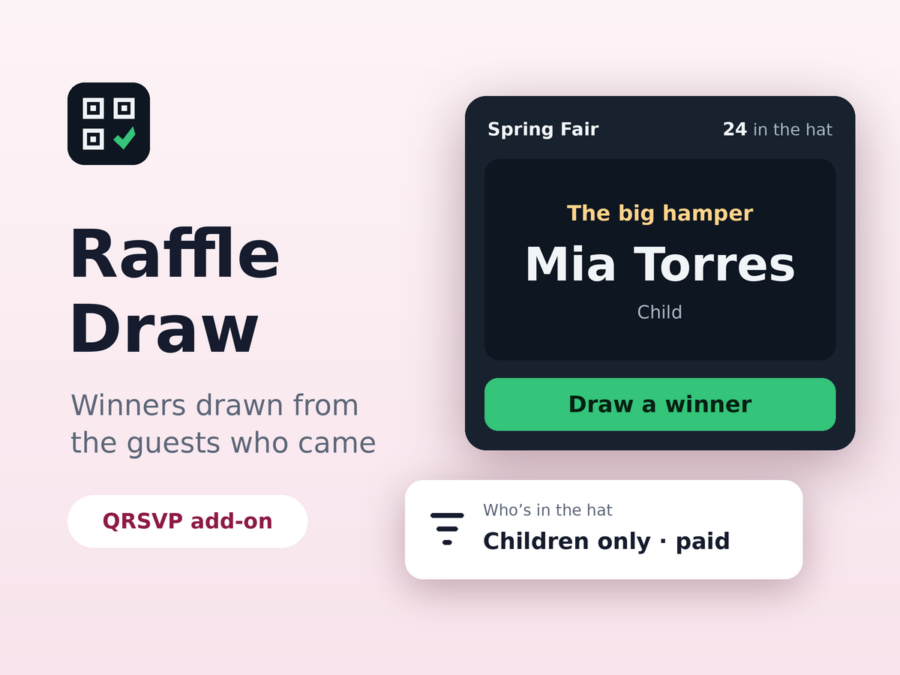
Spring Fair24 in the hat
The big hamper
Mia Torres
Child
Who’s in the hat Children only · paid
How it works
From checkout to your first draw
-
Pay once
$19, with no subscription. The licence never expires.
-
Get your licence key
It arrives by email as soon as the payment is confirmed.
-
Turn it on, then draw
Install the add-on beside the free QRSVP plugin and activate the key on its screen. Then open QRSVP → At the event → Raffle Draw, turn the draw on for your event, choose who’s in the hat and tap Draw.
Questions
Asked before buying
Still deciding? Read the Refund Policy, or write to [email protected].
Do I need QRSVP Pro?
No. Add-ons need only the free QRSVP plugin. They work with Pro too.
Who can win?
Everyone checked in at the door, by default, so nobody who went home or never came. You can draw from everyone registered instead, or only children or adults, guests who have paid, or an age range — and skip past winners, or the rest of a winner’s group.
Is the draw fair?
Yes. Your site picks the winners with a secure random number and saves them before the names spin on screen, so a reload or a second phone never changes who won.
Can I show it on a projector?
Yes. “Show on a big screen” fills a projector or a TV with the draw in large type: names and prizes only, never who booked them.
Can I use one licence on several sites?
One licence covers one site. You can move it to another site from the add-on’s licence screen.
Can I get my money back?
Yes. Ask within 30 days of your payment and you get a full refund.
QRSVP Pro
Insights, reminders, your own questions and a waitlist
QRSVP Pro adds eight event themes, your own questions on the form, a waitlist when an event is full, reminder emails with the tickets, and Insights, to see how each event is going. From $6.58 a month, billed yearly. Add-ons work with Pro too.